

Operator Guide
How Your Operator PIN Works
A simple, secure way to make sure every test is run by someone trained to do it. Here is how your PIN works, from first setup through to everyday testing.
Why You Have a PIN
Bactosure is an accredited testing service, so every result has to stand up to scrutiny. Your PIN is how we confirm that the person running a test has been trained and is competent to do it. It takes only a few seconds to enter, and it protects both your results and your accreditation.
Think of it as your signature. Your PIN sits behind every test you run. It links the result to you, gives full traceability, and shows the test was done by a trained operator.
Before You Begin
Work through the training video and operating manual before you set up your PIN. The quiz simply confirms what you have learned, so a little preparation makes it quick. Most people complete setup in under thirty minutes, and no science background is needed.
Setting Up Your PIN
Turn On Your Device
Power on your Bactosure device and let it start up. Whether you have a Prime, Duo, or Pro, the steps are the same.
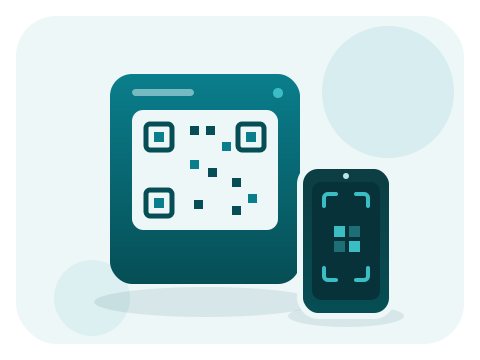
Add Yourself as a User
On the device, go to Settings, then Add User. A QR code appears on the screen. Scan it with your phone or tablet camera.
Pass the Quick Quiz
Scanning the code opens a short quiz, about ten minutes, on your mobile device. It confirms you are confident using the system. You need 100 percent to pass, and you can retake it if you need to.
Choose Your PIN
Once you have passed, you will be prompted to set a secure PIN. This PIN is yours alone, and you will use it every time you run a test.
Using Your PIN Day to Day
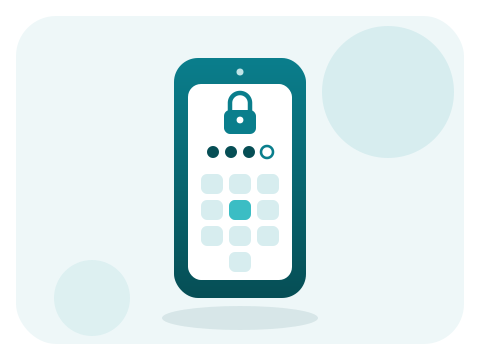
Each time you run a test, the device asks for your PIN. The whole thing takes just a moment.
- Press Tests on the device.
- Enter your PIN.
- Tap the sample's chip against the device when prompted.
Entering your PIN and tapping the chip links you to the test for full traceability, then the instrument takes over from there.
Your Monthly Refresher
Staying sharp matters, so in any month that you run a test, the very first time you enter your PIN the device asks you to complete a short refresher quiz. It takes just a couple of minutes and needs 100 percent to pass.
Only test some months? No problem. You only complete the refresher in months you actually test. Skip a month, and there is nothing to do.

If Your PIN Stops Working
If you do not pass the refresher, your PIN is locked for the time being. It is quick to sort out.
- Log in to bactosure.com on your phone or computer.
- Re-take the initial training quiz and pass it at 100 percent.
- Your PIN reactivates automatically, and you are ready to test again.
A lockout only affects you. Other trained operators can keep using the same device with their own PINs, so nobody else is held up while you get back on track.
Keep Your PIN to Yourself
Your PIN is personal. Please do not share it with anyone else, even a colleague. If someone else needs to run tests, they can set up their own PIN in a few minutes by following the steps above.
Quick Answers
Need a Hand?
If something does not seem right, or you are unsure about a step, our New Zealand-based support team is here to help.